


The free H2testw checks storage media for errors and securely overwrites deleted data so that they cannot be recovered. The software is suitable for hard drives, SSDs, USB sticks and various memory cards. The program was developed by c't editor Harald Bögeholz.
Notes:
How does H2testw work?
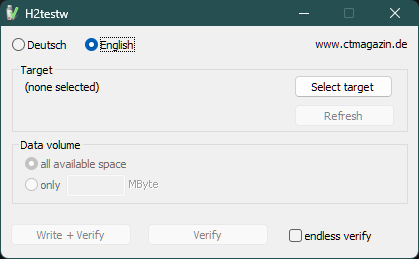
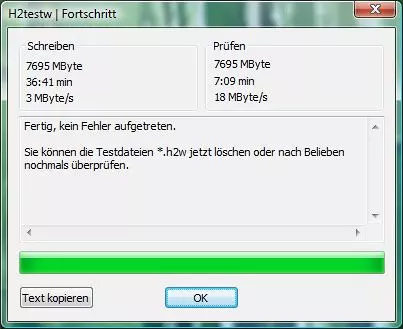
The portable software does not require any installation on Windows. Instead, it is enough to start the EXE file and select the drive to be tested. H2testw then generates random data and writes them to the storage medium in the form of files with a size of up to one gigabyte until it is full. In the next step, the software reads the previously written files and compares them with the original data.Notes:
- For some USB adapters, the software may show unexpected results or false positives.
- For very large drives, H2testw charges and thus breaks at the end of the write process with an error message. If a subsequent checking of the written data is successful, you can ignore the error message.



