

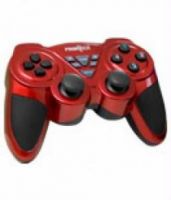
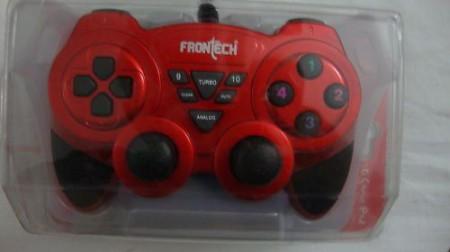
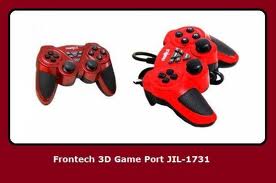
This is very useful if you lost the Driver Installation Mini CD for the Frontech USB Joystick/Gamepad.
Place the folder "USB Vibration" in C:\Windows (or whatever drive you installed windows in).
Then connect your USB Frontech Joystick to the PC. If you see a popup in the taskbar at the bottom "Device Driver Software is Installing" then you've done it right.
Place the folder "USB Vibration" in C:\Windows (or whatever drive you installed windows in).
Then connect your USB Frontech Joystick to the PC. If you see a popup in the taskbar at the bottom "Device Driver Software is Installing" then you've done it right.